Wiki - Others
Overview
Rules
Rules & Terms of Use (EN) – Elytria
By entering the server, you accept all rules and terms listed below.
Foreword:
Rule systems are inherently not entirely without gaps and may require case-by-case interpretation.
The server team evaluates possible violations according to the principles of proportionality and
general legal common sense. Repeated violations may result in increased sanctions; a player's past
behavior may be taken into account.
In serious or complex violations involving higher penalties, an appeal may be filed. In such a case,
the community decides on a potential acquittal by a two-thirds majority. This regulation serves
transparency and prevents arbitrary decisions.
–––––––––––––––––––––––––––––––––––––––––––––––––––
1. General Conduct Rules
–––––––––––––––––––––––––––––––––––––––––––––––––––
1.1 Real-life threats of any kind are strictly prohibited.
Penalty: (Temp-)Ban
Context: RP-related threats are only permitted when the RP context is clearly recognizable.
1.2 Players must behave respectfully. Insults, bullying, hate speech and discrimination are prohibited.
Penalty: Mute, (Temp-)Ban, other
Context: RP insults are permitted as long as they are clearly identifiable as RP.
1.3 Unfair mods, hacks, cheats and unauthorized texture packs are prohibited.
Penalty: Warning, (Temp-)Ban, other
Context: X-Ray, Killaura, ESP are prohibited; minimaps, fullbright and simple macros are allowed.
1.4 Exploiting system loopholes, glitches or errors (bugusing) is prohibited and must be reported immediately.
Penalty: Warning, (Temp-)Ban, other
Context: Examples: cooldown bypassing, item duplication.
1.5 Extremist, political, racist or pornographic content is strictly prohibited.
Penalty: Kick, Mute, (Temp-)Ban
Context: RP content without real-world reference is exempt, e.g., conflicts between fictional races.
1.6 Instructions issued by the server team must be followed, provided they are lawful.
Penalty: Kick, Mute, (Temp-)Ban
Context: Demands for money, passwords or similar sensitive data are unlawful and must not be followed.
1.7 Griefing or intentional destruction of unclaimed structures is prohibited.
Penalty: Warning, (Temp-)Ban
Context: Ores, chests and furniture may be removed; structural blocks such as wood/stone/dirt may not.
1.8 AFK-farming, auto-clickers and automated farming mechanics are prohibited.
Penalty: Warning, (Temp-)Ban
Context: Examples: AFK fishing farms, automation scripts.
1.9 Safe-farming and risk-free mob farming are prohibited.
Penalty: Warning, (Temp-)Ban
Context: e.g., killing mobs from positions where the player cannot be harmed.
1.10 Names of players, items or entities may not contain discriminatory content.
Penalty: Warning, (Temp-)Ban
Context: RP names like “Dwarf-Slayer” are allowed.
1.11 Inappropriate skins or unlawful symbols are prohibited.
Penalty: Warning, (Temp-)Ban
Context: Skins must represent medieval or fictional races; prohibited symbols must not be displayed.
1.12 Scamming, theft or fraud within a clan is prohibited.
Penalty: Warning, (Temp-)Ban
Context: Allowed between unrelated players; clan-hopping for the purpose of deception makes the scam unlawful.
1.13 Minecraft ToS and German law apply at all times.
Penalty: Warning, Kick, (Temp-)Ban
1.14 Minors may not be exposed to non-youth-appropriate content.
Penalty: Warning, Mute, Kick, (Temp-)Ban
Context: RP characters are considered according to their played age.
1.15 Advertising external content is prohibited.
Penalty: Warning, Kick, (Temp-)Ban
Context: Advertising clans or shops within the server is allowed in the trade chat.
–––––––––––––––––––––––––––––––––––––––––––––––––––
2. Chat & Communication Rules
–––––––––––––––––––––––––––––––––––––––––––––––––––
2.1 Each chat channel must be used for its intended purpose.
Penalty: Warning, Mute
Context: Trading exclusively in the trade chat; PvP communication exclusively in the PvP chat; general conversations in global/local.
2.2 Spam, excessive caps, interrupting ongoing conversations or flooding is prohibited.
Penalty: Warning, Mute
–––––––––––––––––––––––––––––––––––––––––––––––––––
3. Data Protection & Recordings
–––––––––––––––––––––––––––––––––––––––––––––––––––
3.1 The server team is authorized to review screenshots, chat logs and videos for moderation and evidence purposes.
Context: These data are used exclusively for addressing rule violations.
3.2 Player recordings (video/screenshot) are allowed as long as they do not reveal private or sensitive data of other players.
Context: Voice recordings may only be created with the consent of all participants.
–––––––––––––––––––––––––––––––––––––––––––––––––––
4. Real-Money-Trading (RMT)
–––––––––––––––––––––––––––––––––––––––––––––––––––
4.1 Real-Money-Trading is strictly prohibited.
Penalty: (Temp-)Ban, Permanent Ban
Context: Any exchange of items, currency or advantages for real money, goods or services is prohibited.
–––––––––––––––––––––––––––––––––––––––––––––––––––
5. PvP & Territory Rules
–––––––––––––––––––––––––––––––––––––––––––––––––––
5.1 A player may be killed at most three times within 24 hours in their own territory by the same attacker if they do not defend themselves.
Penalty: Warning, (Temp-)Ban
Context: Provocation in chat counts as aggression and allows three additional kills.
5.2 Non-consensual imprisonment for more than 30 minutes is prohibited.
Penalty: Warning, (Temp-)Ban
Context: Imprisonment is only permissible if it serves a clear PvP purpose.
5.3 Claim-blocking is prohibited; a minimum distance of five chunks must be maintained.
Penalty: Warning, Territory Removal, (Temp-)Ban
Context: Claims intended to extort or block other players are unlawful.
5.4 Traps are only permitted within one's own territory or for its defense.
5.5 Buildings must follow ancient/medieval architectural styles and match the respective biome.
Penalty: Warning, Territory Removal, (Temp-)Ban
Context (examples, not mandatory rules):
Desert: Arabic-Persian, Egyptian.
Snow: Nordic, Slavic.
Grassland: Medieval, Celtic.
Forest: Druidic, Elven.
Jungle: Mesoamerican.
By entering the server, this rulebook is accepted as binding.
Clans
Clans allow players to organize themselves into groups and define a central home point, it also prevents friendly fire between members of a clan and allows for support and heal skills to be used on members.
| Command | Description |
|---|---|
| /clan create [name] [tag] | Allows you to create a clan with the given name and 3-digit tag. |
| /clan invite [player] | Invites the given player to the clan. |
| /clan kick [player] | Kicks the given player from the clan, only works on players lower in hierarchy. |
| /clan leave | Leave your clan, can't be used by the leader. |
| /clan disband | Disbands your clan, only works for clan leaders. |
| /clan promote [player] | Promotes the given player in the clan hierarchy. |
| /clan info | Shows information about your current clan. |
| /clan sethome | Sets the clans home to your current position, has a cooldown of 48h. |
| /clan home | Teleports you to your clans home, has a cooldown of 20min. |
| /clan demote [player] | Demotes the given player, only works on players lower in hierarchy. |
Horses
Horses on Elytria are different from vanilla horses. Elytrian horses have realistic genetics, genders and growth. When two horses are bred, the foal has a chance to have a stat mutation and a trait.
Active abilities can be triggered by pressing the "F" key or the "swap hands" hotkey.
| Trait | Description | Chance |
|---|---|---|
| Revenant Curse | Active: When pressed, attackers will be blinded. | 0.5% |
| Ghosthorse | Active: When pressed, the horse and its rider will become invisible for a short duration. | 0.5% |
| Kickback | Active: When pressed, enemies around will be knocked away. | 0.5% |
| Dashboost | Active: When pressed, the horse will become significantly faster for a short duration. | 1% |
| Frost Hooves | Passive: The horse will freeze all water beneath its hooves. | 0.5% |
| Feather Hooves | Passive: The horse gains the ability to glide instead of falling. | 1% |
| Fire Heart | Passive: The horse and its rider become immune to fire. | 1% |
Additionally, horses can be converted into items and even castrated, allowing players to trade or sell them without the risk of others using them for breeding.
| Command | Description |
|---|---|
| /horse despawn | Converts the horse you are riding into an item. |
| /horse spawn | Converts the horse item you are holding into a horse. |
| /horse neuter | Castrates the horse item you are holding. |
Display Items
The display item feature allows you to physically place items on the ground and edit them in every possible way. Multiple display items can be combined to form abstract decorations.
| Command | Description |
|---|---|
| /id place [scale] | Places the item you are holding onto the ground with the given scale. |
| /id pickup | Picks up the display item you are currently looking at. |
| /id edit scale [scale] | Edits the scale of the display item you are currently looking at. |
| /id edit move [x] [y] [z] | Edits the position of the display item you are currently looking at. |
| /id edit rotation [x] [y] [z] | Edits the rotation of the display item you are currently looking at. |
Chat
On Elytria, communication is organized into multiple chat channels, each serving a specific purpose. This makes conversations more focused, easier to follow, and allows you to mute topics that don’t interest you.
| Command | Description |
|---|---|
| /msg [player] [message] | Sends a private message to the specified player. |
| /ignore [player] | Adds a player to your ignore list, hiding their chat messages. |
| /ignore list | Displays all players you are currently ignoring. |
| /ch [channel] | Switches your active chat channel to the specified one. |
| /ch join [channel] | Joins the specified chat channel so you can read and send messages there. |
| /ch leave [channel] | Leaves the specified chat channel. |
| /chlist | Shows a list of all available chat channels. |
| /r [message] | Replies to the last private message you received. |
| Chat | Usage | Command |
|---|---|---|
| Global | Used for general conversations and everything that doesn't fit into another channel. | /ch g |
| Local | Used for local conversations, only players within a 100-block range will receive the messages. | /ch l |
| PvP | Used for PvP related talk, messages are global. | /ch p |
| Trade | Used for trade related talk and trade advertisements, messages are global. | /ch t |
| Whisper | Used for close-range conversations, only players within a 5-block range will receive the messages. | /ch wh |
| Support | Used for support requests and issue related conversations with the serverteam, messages are global. | /ch s |
| Roleplay | Used for roleplay related conversations, OOC messages are not allowed, messages are global. | /ch rp |
Boosters
EXP boosters increase the amount of class and profession experience you gain from activities like combat or gathering. There are two types of boosters: global boosters, which affect all players server-wide, and personal boosters, which apply only to you. You can view your active boosters at any time using the /profile command.
EXP boosters are usually obtained as a special reward and can't be looted in the open world.
Brewing
Brewing in Elytria is a craft of patience, accuracy and experimentation. Every drink begins its life inside a boiling cauldron, gently heated over fire, magma or another suitable heat source. When the water begins to simmer, players may add ingredients directly into the cauldron. Each recipe responds to exact quantities, the proper cooking time and a stable level of heat. Even small deviations can turn a promising brew into a failed mixture, so the early stages of brewing require attention and care.
Once the ingredients have cooked long enough, the brew will usually be ready for bottling or further processing. Some drinks can be completed immediately after cauldron cooking, while others must first undergo distillation. Distillation is performed at a brewing stand, where the mixture is repeatedly cycled until its spirit becomes strong and clean. Every recipe defines how many distillation runs it needs, and it is important not to under- or over-distill, as this affects the final quality of the drink.
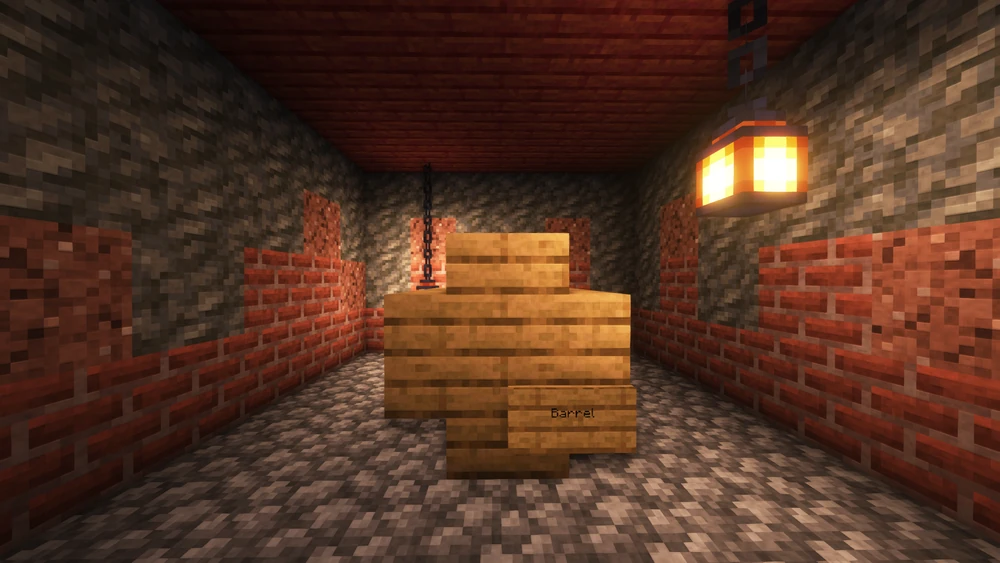
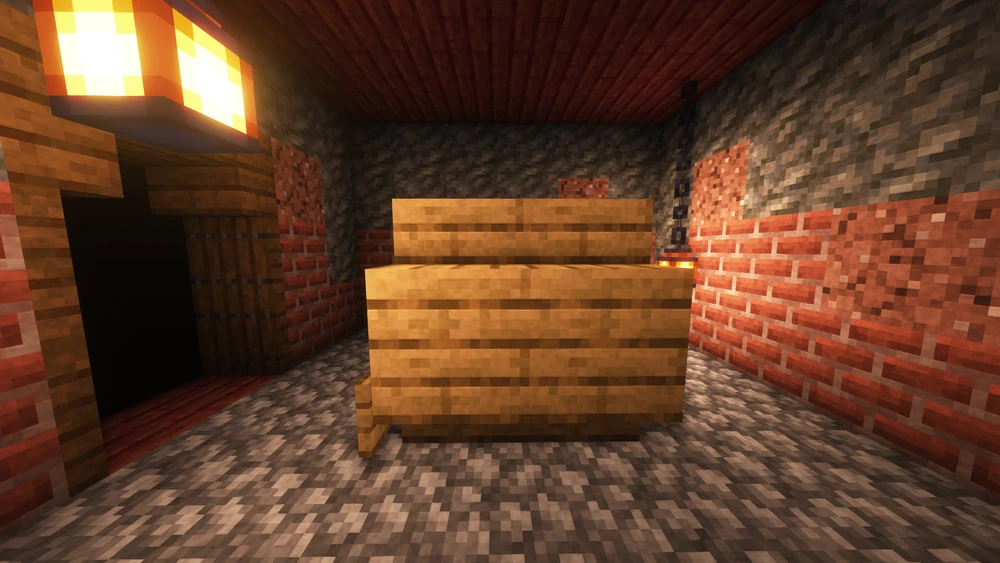
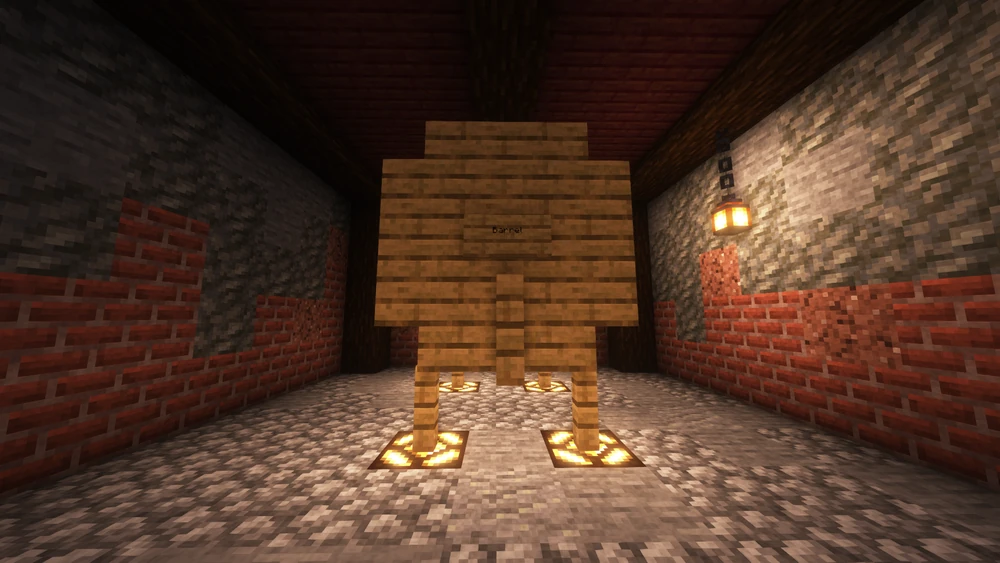
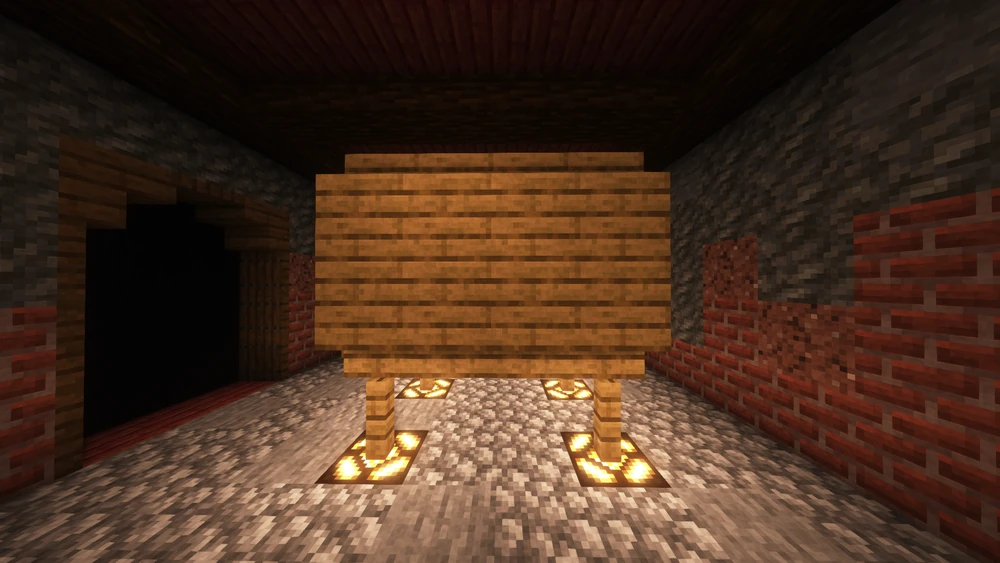
The final refinement of most advanced beverages takes place inside a barrel. Barrels made from different wood types influence the flavor and stability of the brew, and some drinks age best in oak, others in birch, jungle, dark oak or even the woods from the Nether. Aging requires time, and every recipe has a minimum and maximum threshold. Storing a brew for too short a time will result in immature flavor, while aging it for too long may weaken its quality or spoil the drink entirely. When aging is finished, players may take their creation directly from the barrel and enjoy the result of their work.
Info: One year of aging equals one real-life hour.
| Drink | Ingredients | Cauldron Cooking | Distillation | Barrel Aging | Result |
|---|---|---|---|---|---|
| Apple Cider | 8x Apples, 2x Sugar | Boil apples and sugar until the liquid becomes a bright orange apple must. | None needed. The fermentation happens naturally. | Age 3 years in any wooden barrel to let the cider clear and sparkle. | A refreshing, crisp cider with a fruity sweetness. |
| Wheat Beer | 4x Wheat | Heat crushed wheat in a cauldron to create a grain mash with a soft golden color. | No distillation. Beer is kept unfiltered for a natural flavor. | Age for 2 years in an oak barrel to develop a mild, crisp taste. | A light, refreshing beer perfect for beginners. |
| Honey Mead | 3x Honey Bottles, 1x Sugar | Warm the honey mixture slowly until it becomes a sweet golden wort. | None. Mead ferments naturally without distillation. | Age 4 years in birch wood to achieve a smooth, sweet finish. | A mellow, golden mead with a soft honey aroma. |
| Berry Wine | 8x Sweet Berries | Cook the berries until they break down into a deep red berry must. | No distillation required; wine develops its alcohol during fermentation. | Age for 10 years to build a rich, fruity bouquet. | A strong, flavorful wine with a deep red color. |
| Coffee | 4x Cocoa Beans, 1x Milk Bucket | Heat the beans and milk briefly to create a dark coffee brew. | No distillation. Coffee is ready immediately after brewing. | No aging required. Serve freshly brewed for best effect. | A strong, energizing drink that boosts alertness. |
These five beverages form the public foundations of Elytrian brewing, but countless other drinks exist throughout the land. Their recipes, ingredients and techniques are unknown and must be discovered through experimentation, exploration or trade with knowledgeable players. Some are simple variations, while others require rare materials, exotic distillation steps or extended aging in special barrels. Learning them can be a long and rewarding journey for any aspiring brewer.
Parties
Parties allow players to share picked up coins and class experience with nearby members within a 35-block radius. Each party can have up to 8 players.
Use the /party command to open the Party Menu, where you can create, invite, leave, or manage your party directly through the GUI. Working together in a party speeds up leveling and encourages teamwork.
Repair & Rename
On Elytria, anvils are used only for renaming items, costing 1000 coins per rename. Item repairing can be done exclusively at Gregor, the NPC located at spawn, and becomes more expensive with each repair.